Guides
Sync Your Fastmail Calendar
People who run their personal life on Fastmail usually still have a Google or Outlook calendar somewhere else, for work or for a client. Two calendars that cannot see each other is how you end up double-booked.
Don't Double Book Me mirrors busy time between your Fastmail calendar and any Google, Outlook, or iCloud calendar you connect. The copy blocks the time without carrying your event details across.
Sharing a Link Isn't Syncing
Fastmail can publish a calendar for other apps to subscribe to. That gets your events onto another screen, but a subscribed calendar is read-only and usually leaves your free/busy status untouched, so meeting invitations keep arriving for hours you are not actually free.
A sync writes a real event instead. The time is genuinely blocked, in either direction, and you decide how much of the original it reveals.
Connect Fastmail
Fastmail is added to an existing account rather than being a sign-up method, so start with Google or Microsoft and add Fastmail to it.
-
Start your account with Google or Microsoft.
Whichever one holds the other calendar you want Fastmail to stay in step with.
Start your free trial -
Create a Fastmail app password.
Open Fastmail Settings, then Privacy & Security, then Manage app passwords. Add a password with Mail, Contacts & Calendars access and name it Don't Double Book Me. Fastmail shows the password once, so copy it before closing the dialog.
-
Add Fastmail on your calendars page.
Choose Fastmail, enter your Fastmail email and the app password, and your calendars are imported.
-
Create the sync.
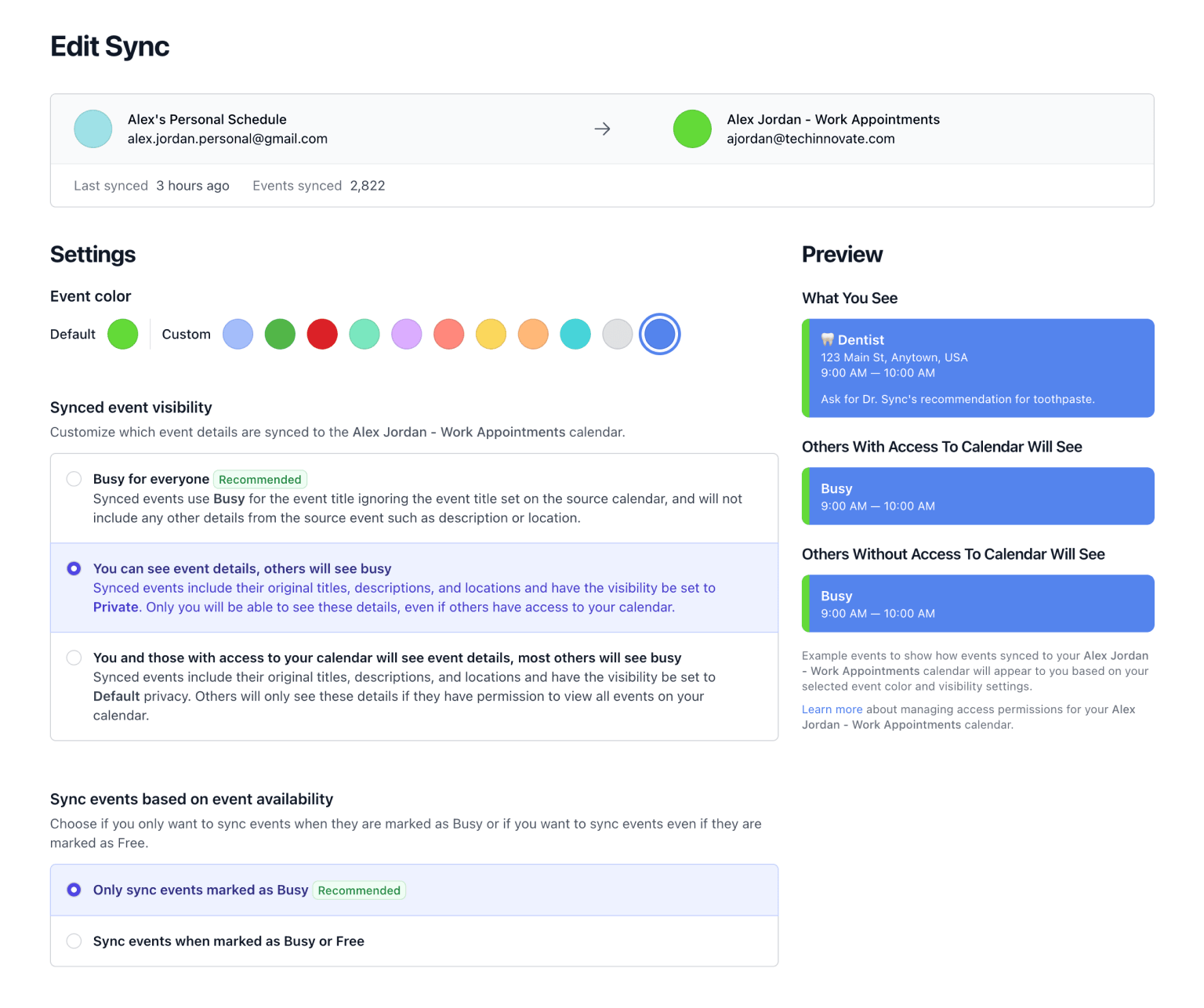
Pair your Fastmail calendar with any other connected calendar, in one direction or both, and set visibility, working hours, buffers, and rounded times.
-
You're done. 🎉
Fastmail has no way to notify us when an event changes, so we check it every 10 minutes. Sync Now is there for anything that cannot wait.
Free for a week with no credit card, then $20 a year for unlimited calendars and syncs.
What You Get
- Busy, Not Details. Mirrored events say Busy by default. Fastmail users tend to care about this more than most, and nothing leaves your calendar unless you turn it on.
- Any Pairing. Fastmail with Google, with Outlook, with iCloud, or with a second Fastmail calendar. Every combination works the same way.
- Working Hours. Mirror only the hours you want visible on the other side, and leave the rest of your week where it is.
- Booking Links. Your Fastmail calendar can back a booking link, so the times you offer people account for what is already on it.
-
✈️ Flight to Denver
9:00 AM — 10:00 AM
-
Busy
9:00 AM — 10:00 AM
Related Resources
A better way to manage your Google, Microsoft Outlook, Apple, and Fastmail calendars.
Don't Double Book Me is designed for those who need to maintain a clear and coordinated schedule without the hassle of double bookings.